ChironAI™ OM · for primary treating physicians and occ-med clinics

See the patient. Chiron handles the claim around them.

Treat, request, report, reconcile — three stories every treating physician lives, each with a clock running.

Book a demo Model your numbers

What Chiron does · Treating physician (PTP)

The 12 tasks that pay back first.

As the primary treating physician you carry the clinical record, the statutory reports and the treatment requests that keep a workers' compensation case moving. Chiron takes the typing, the form-filling and the deadline-watching off your desk and leaves you the medicine.

Ordered by what they return: revenue first, then errors avoided, then time saved.

Assists
  • Revenue
  • Error avoided

Treatment plan and MTUS/ACOEM alignment

Chiron drafts a treatment plan from the clinical picture, merges it with what you have already written, and checks every ordered treatment against MTUS/ACOEM, returning a green, amber or red status with the guideline quoted and cited, so you see how a request lines up with MTUS/ACOEM before it goes out.

Diagnosis and treatment

Assists
  • Revenue
  • Error avoided

UR survival insights

Chiron reads a drafted request the way a UR reviewer would, shows the approval drivers and denial risks with its reasoning visible, and suggests MTUS-concordant changes to strengthen a weak request before you submit.

Diagnosis and treatment

Assists
  • Revenue
  • Error avoided

Outcome questionnaires over time

Chiron tracks the patient's pain rating and function questionnaires and charts the trend, the evidence a utilization reviewer looks for when deciding whether treatment is working.

Diagnosis and treatment

Automates
  • Revenue
  • Error avoided

Utilization review and IMR clocks

Chiron computes the Labor Code §4610 utilization review timeframes on each RFA in business or calendar days, skipping California state holidays, and tracks the IMR filing window after a denial with alerts at 25, 20, 15, 10, 5, 2 and 1 days.

Laws, rules and deadlines

Automates
  • Revenue
  • Error avoided

No re-request of a treatment still denied

Before an RFA goes out for a treatment whose denial still binds — an unappealed UR denial after the IMR window lapsed, or one IMR upheld — Chiron stops it and tells you which rule applies and until when under Labor Code §4610(k) and §4610.6(g), checking your clinic and any linked sister clinics.

Laws, rules and deadlinesAlso for Billing

Automates
  • Revenue
  • Error avoided

IMR appeals board

Chiron lists every UR denial eligible for IMR with its filing deadline and status, and flags the appeal most at risk of missing its window that is still unstarted.

Laws, rules and deadlinesAlso for Office

Assists
  • Revenue
  • Error avoided

AI coding suggestions

Chiron suggests the E/M level from your note and orders, leveling on the higher of medical decision-making and time, proposes procedure codes, modifiers, units and ICD pointers, and proposes the medical-legal code. You confirm each one, and any change you make is recorded.

Bills and collections

Assists
  • Revenue
  • Error avoided

Defend This

Chiron plays opposing counsel against your adopted causation, apportionment and impairment opinions and against your saved Doctor's First Report, then drafts the rebuttal grounded only in your adopted positions. The DFR editor also asks, "How would UR or the defense challenge this?"

Other

Automates
  • Revenue
  • Error avoided

Submitting the defense packet

Once every challenge is resolved, Chiron bundles each rebuttal with its cited sources into one defense packet and puts the exchange on the case record.

OtherAlso for QME/AME

Assists
  • Revenue
  • Error avoided

Reopening within the five-year window

On a finalized closure, Chiron lets you file a reopen petition, tracks the Labor Code §5410 five-year window from the date of injury, restores the case to active work with its history intact, and tells you plainly when the date of injury is missing.

OtherAlso for Office

Assists
  • Revenue
  • Time saved

PM&R tools

PM&R procedure notes, charges and payer approvals, a neuromuscular exam template, and DME orders checked against 8 CCR §9792.6.1(u)(2) and §9792.20(e) before Chiron drafts the RFA.

Diagnosis and treatment

Automates
  • Revenue
  • Time saved

Charges drafted for you

When you complete a visit, perform a procedure or attest a report, Chiron drafts the charge, priced against the Official Medical Fee Schedule on the date of service.
Bills and collections

See all 170 tasks for treating physician (ptp)

01 · PTP & occupational medicine

Getting treatment approved

Today

An RFA written from memory, denied, re-requested, denied again.

With Chiron

Your plan prose is checked against MTUS/ACOEM and becomes structured orders, the RFA builds itself, and you are warned before re-requesting what IMR already upheld a denial of. Denials get an IMR appeal with a drafted rationale.

MTUS-aligned treatment plans and RFAs

Write the plan the way you think; Chiron checks it against MTUS/ACOEM, turns it into structured orders and builds the RFA — and stops you re-requesting what was already denied.

  • Checks the treatment plan against MTUS/ACOEM given diagnoses, causation and exam findings, and flags it green, amber or red. On personal-injury cases MTUS is shown as reference only.
  • Turns free-text plan prose into structured treatment entries for the RFA builder.
  • Warns before you re-request a treatment UR already denied and IMR upheld — the request that would only be denied again.

IMR appeals

Every IMR-eligible denial gets an appeal record, a drafted rationale and a hashed packet — before the window closes.

  • Prepares a working draft of each rationale section supporting the appeal, grounded in the case record, for the physician to review and edit.
  • Assembles rationale and exhibits into one finalized, hashed PDF packet.
  • A daily sweep opens appeal records for IMR-eligible UR decisions that are missing one, and sends tiered deadline alerts.

Statutory clocks, counted

UR, IMR, QME panel, P&S, PR-2, §4603.2 and §4622 — counted in the right kind of day, with alerts before they lapse.

  • One deadline engine computes the statutory clocks — UR §4610, P&S/MMI, reporting obligations, §4603.2/§4622 payment, QME panel windows — in business or calendar days as the rule requires.
  • Tracks every reporting duty on a case — PR-2, PR-4, Form 5021, pesticide §6409, P&S — with who it must be served on.
  • Every morning, approaching and overdue deadlines are flagged, and reports that were never transmitted are caught.
  • QME §36/§38 report deadlines, extensions and late-report warnings are tracked per evaluation.
  • A suspected pesticide poisoning on an exam raises the 24-hour report obligation automatically.

02 · PTP & occupational medicine

Keeping the reports current

Today

PR-2s overdue, the P&S report waiting on a quiet afternoon that never comes.

With Chiron

Every reporting duty is tracked to whom it must be served; PR-2 and PR-4 narratives are drafted from the visit record for you to edit and attest.

PR-2 and PR-4, drafted

Progress and permanent-and-stationary reports drafted from the visit record, with every obligation tracked to whom it must be served.

  • Chiron prepares a working draft of the narrative sections of PR-2 and PR-4 reports from the case record; the physician reviews, edits and attests.
  • Generated reports run through a chain-of-verification step built to catch statements the record does not support.
  • Only the physician can attest a report.

Statutory clocks, counted

UR, IMR, QME panel, P&S, PR-2, §4603.2 and §4622 — counted in the right kind of day, with alerts before they lapse.

  • One deadline engine computes the statutory clocks — UR §4610, P&S/MMI, reporting obligations, §4603.2/§4622 payment, QME panel windows — in business or calendar days as the rule requires.
  • Tracks every reporting duty on a case — PR-2, PR-4, Form 5021, pesticide §6409, P&S — with who it must be served on.
  • Every morning, approaching and overdue deadlines are flagged, and reports that were never transmitted are caught.
  • QME §36/§38 report deadlines, extensions and late-report warnings are tracked per evaluation.
  • A suspected pesticide poisoning on an exam raises the 24-hour report obligation automatically.

Dictate, or speak to the case

Dictate the visit, or ask the case a question out loud — and keep your eyes on the patient.

  • Transcribes dictation, and fails loudly rather than invent text when a recording is empty.
  • A live voice session lets the physician ask questions of the case file.

03 · PTP & occupational medicine

When the QME disagrees

Today

A forty-page QME report contradicts your findings and the response is yours to write.

With Chiron

Chiron extracts the QME’s findings, lines them up against yours category by category, and drafts your reasoned disagreement.

PTP–QME reconciliation

When the QME disagrees with you, Chiron lines up the findings side by side and drafts your reasoned response.

  • Extracts structured findings from an uploaded QME/AME report for the physician to confirm.
  • Compares treating and QME findings category by category.
  • Prepares a working draft of the reasoned disagreement, grounded in the QME’s position and the physician’s clinical basis; the physician decides, edits and signs.

Defend This

Before opposing counsel reads your report, Chiron plays opposing counsel — then drafts the rebuttal.

  • A two-pass review of adopted causation, apportionment and impairment determinations: pass one hunts weaknesses as opposing counsel would; pass two prepares a response for the physician to decide on.
  • The result is saved as a defense packet, and submission is refused while any exposure is held for review.
  • Reviews an opposing QME or UR report for substantial-evidence gaps and prepares a working draft of a rebuttal letter, every quote grounded in the source, for the physician to edit and sign.

Causation (AOE/COE)

A causation analysis built for the WCAB’s substantial-evidence standard — and for personal-injury causation too.

  • Chiron analyses arising-out-of / course-of-employment causation on workers’ comp and personal-injury cases alike, and the physician reviews and finalises.
  • On a workers’ comp causation question, Chiron can convene up to four specialist reviews by function — claims risk on every case, legal when apportionment may apply, ethics when its confidence is low or unstated, and fee schedule when the case has billing activity. They run at once, each reports separately, and their reasoning is shown one at a time.
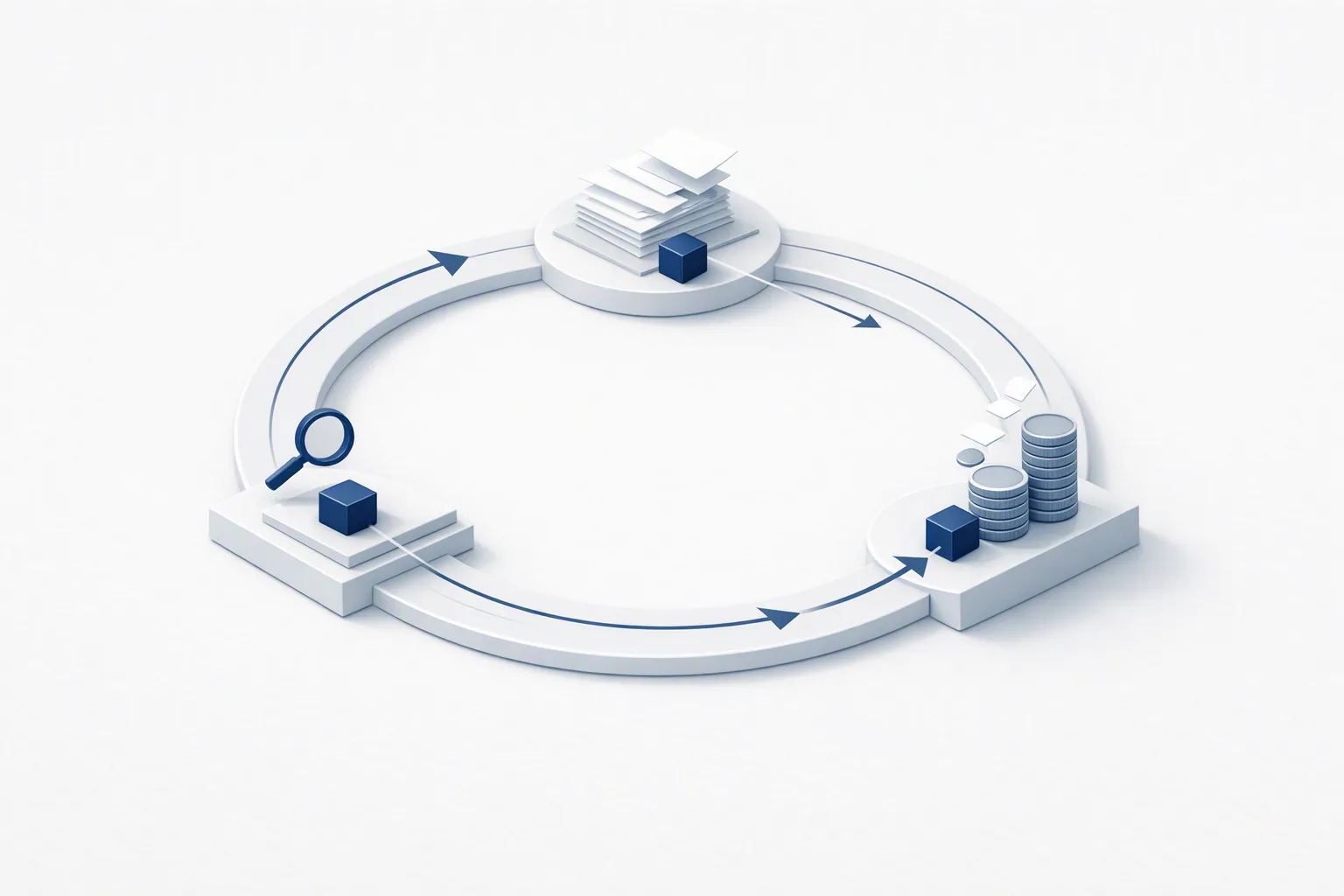
Isometric illustration of a case token travelling a closed loop past three stations — examination, paperwork and payment

Questions practices ask

Before you ask.

Does Chiron replace my scribe?
Chiron records the visit once the patient's verbal consent is captured, or takes your dictation in English or Spanish, and drafts the note, the exam tables and the reports from it. The physician reviews, edits and signs everything. If part of a recording fails to transcribe, Chiron says so rather than inventing text.
Who signs?
The physician. Reports, determinations, opinions, prescriptions and declarations are signed by the treating or evaluating physician, and Chiron never signs or files a medical opinion on its own. Before you attest, Chiron marks each section of a report as your own writing, drawn from the record or an AI draft, and lets you open the exact PDF that will be filed. A rationale Chiron proposed stays labelled as its proposal until you edit it or explicitly adopt it.
Does it work in Spanish?
Several parts do. You can dictate in English or Spanish; patients can complete their intake, and injured workers their QME questionnaire, in English or Spanish; and Chiron drafts a plain-language summary of the Doctor's First Report in either language.

All questions →

See it run on a real claim.

A live demo on a synthetic case — panel, records, report, billing. The AI reasons. The clinician decides.

Book a demo Model your numbers
Next stepOne conversation

See it run an encounter that looks like yours.

Tell us the workflow you want to see and who needs to be in the room. A member of our clinical and engineering team replies within two business days to arrange it — a real person, not a sequence.

Talk to our team →

What happens after you send it

  1. 01. The form reaches a monitored inbox. No auto-sequence.
  2. 02. We reply within two business days to book a time that suits you.
  3. 03. Forty-five minutes: your workflow, the reasoning trace, procurement questions.

Prefer to talk now? +1 (949) 200-8668, or email hello@mindhyve.ai.